One of the examples included with Processing is the “AudioWaveform” program. In this program, it plays a sound and maps the waveform of the audio file. I loaded my own song in to the program.
Firstly, I changed the colour of the wave to fit the HSB colour mode. This was done using the colorMode() method, setting the mode to HSB and the maximum range for all colour elements to be however many samples the program is taking per second. This achieves an effect like:
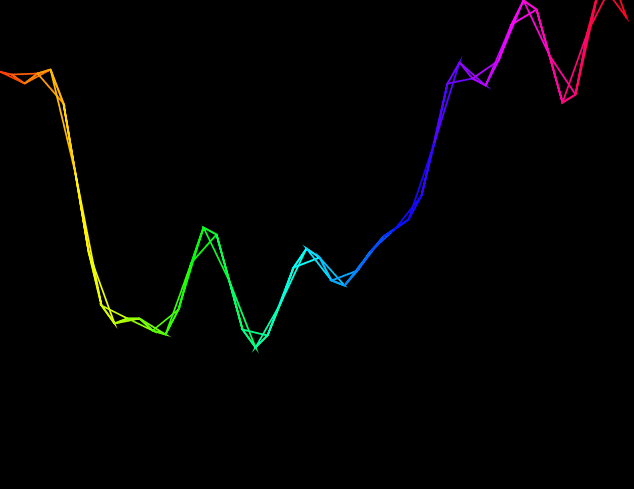
This effect is also showing the “TRIANGLE_STRIP” beginShape() mode. Since the wave is constructed with connected vertexes, this turns the vertexes into connected triangles. Experimenting with other beginShape() modes gives interesting effects too, such as “TRIANGLE”:
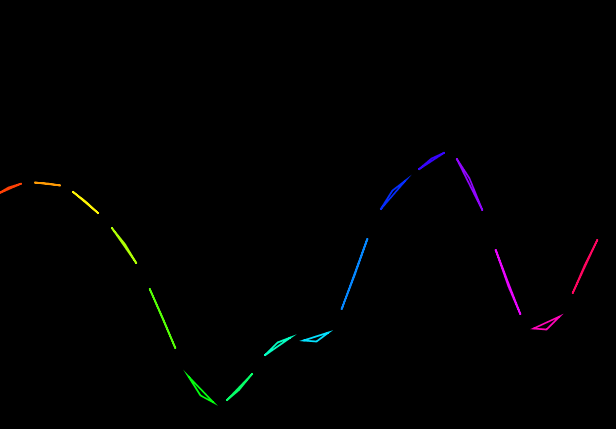
As the waves move up and down the triangles become more apparent. It also allows for the triangles to have some space between them. Similar effects can be obtained using “QUADS” and “QUAD_STRIP”. Another interesting effect is the “TRIANGLE_FAN”:
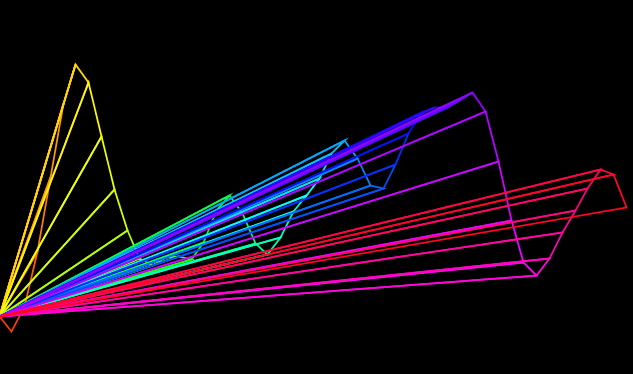
This connects each vertex with a single point. With more playing I think this could be an interesting visual.
A sample setting in the high hundreds and beyond is probably too much as it shows more or less the wave and runs slow on my computer. I think a sample setting of around 30-60 gives the best results.
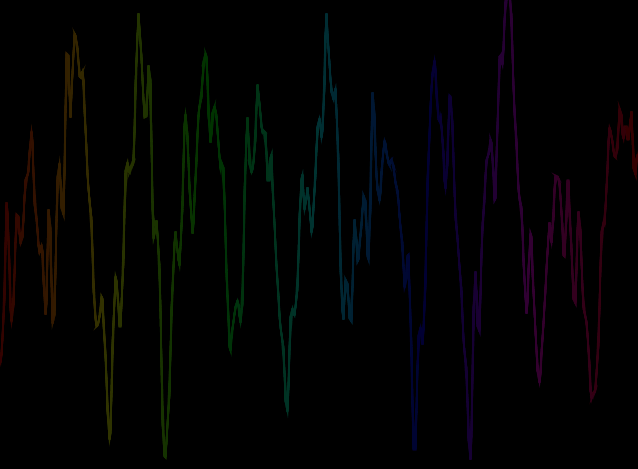
This is when the sample rate is at 500.
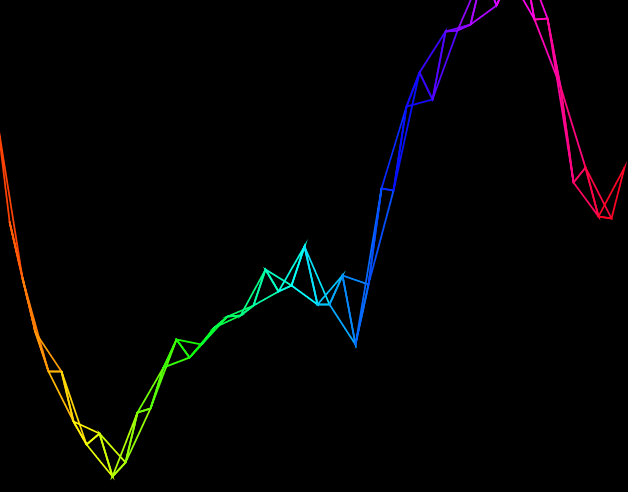
Since there is a higher range for the colours at a higher sample rate, the colours appear to be more dull. Reducing this maximum range in the colourMode method means that only a portion of the wave is coloured, with the rest being in red.
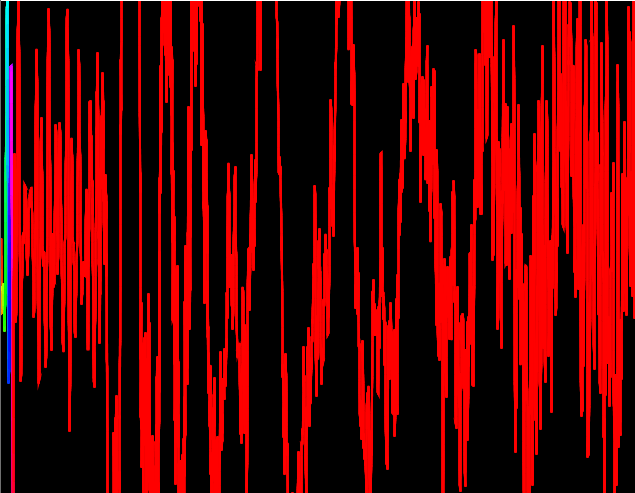
This is the sample rate again at 5000, but the maximum range in colorMode() at 100.
 Home
Home 