After my initial attempt at visualising music, I had only used FFT and the audio waveform. I still hadn’t incorporated any beat detection and the visuals looked quite flat and the movement was not smooth enough to really see what was happening.
I knew that I didn’t want to move away from FFT since that analysis is going to be important to the project. I also knew I needed something that looked more visually appealing, and so I went about researching how to draw the FFT spectrum in a circle. This led me to https://forum.processing.org/two/discussion/823/issue-displaying-fft-in-a-circle-minim. This code gave this:
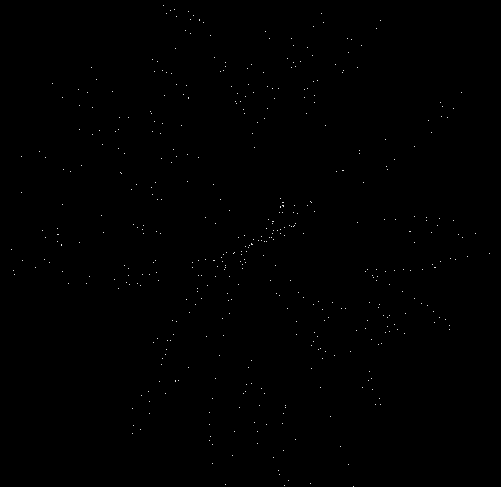
It was quite clear I didn’t want it in this form so I modified it to give this output:
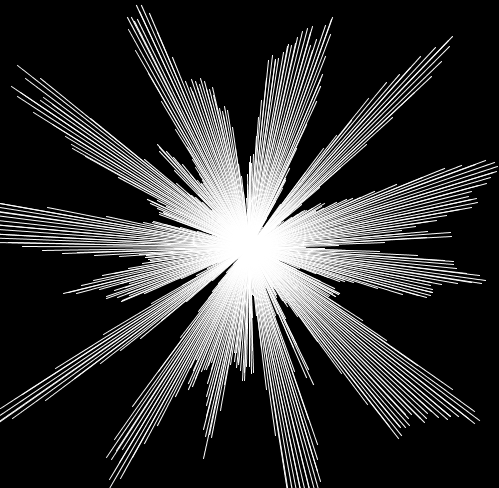
Instead of drawing points like the previous version I drew lines. To have it forming from a circle rather than the origin I changed the starting position of the origin for each line using sin and cos. This gave me:
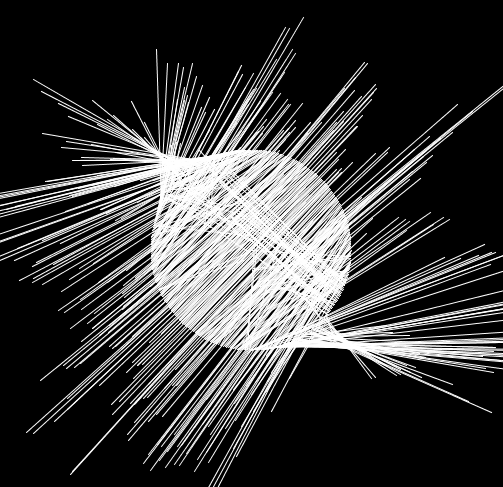
I wanted the spectrum to move outwards so I knew I had done something wrong but this was a cool effect nonetheless. I eventually got to what I wanted which was:
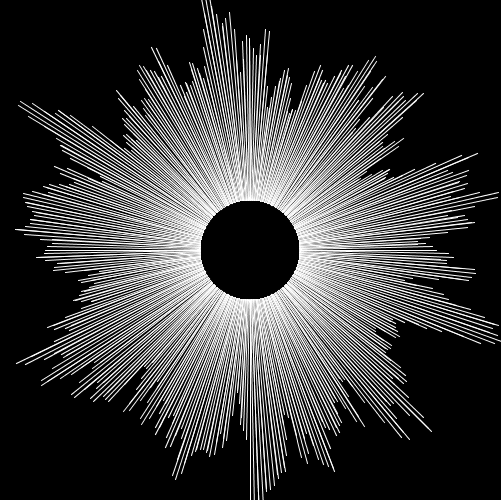
This isn’t enough to look interesting and it is still quite hard to see whats happening so I reduced the number of visible bands to make it feel smoother:
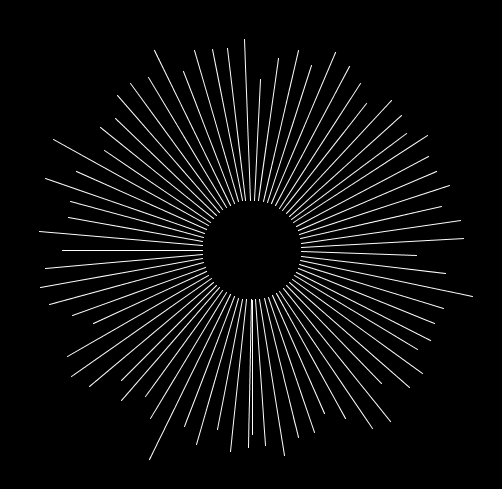
With this as the starting point I started watching videos about different music visualisations and one my friends even sent me this video:
I thought the visuals here were interesting and could be the basis of something in the future.
This then lead me to looking in to this video as I researched how to do custom shapes in Processing:
At around 8.40 mark he does something very interesting where the mouse position changes the shape in the sketch and this lay a basis for something in which I can add to my circular FFT sketch.
My initial sketch looking at this custom shape was this:
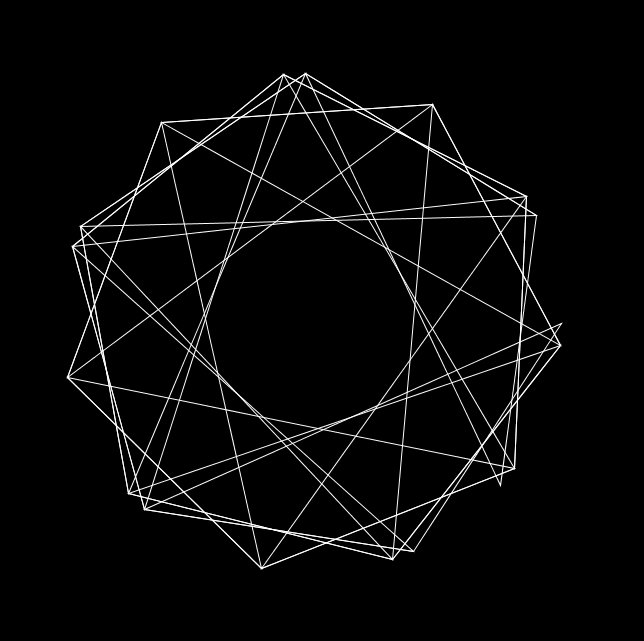
At this point I also thought having it rotate slowly could add something so I implemented that as well. The idea behind this was by watching some more of The Code Train videos, inparticular:
From here I started to implement beat detection for this shape. I know how to change the structure of the shape and how to change the radius of the shape. I looked at the sound energy analysis example included with the Minim package and changed my own code to change the shape and radius when a beat was detected. I also changed the stroke weight of the shape when a beat was detected.
As an afterthought, I decided to add another smaller shape in the middle of the larger shape and have it rotate in the other direction at a faster speed to add something a bit dynamic to the sketch.
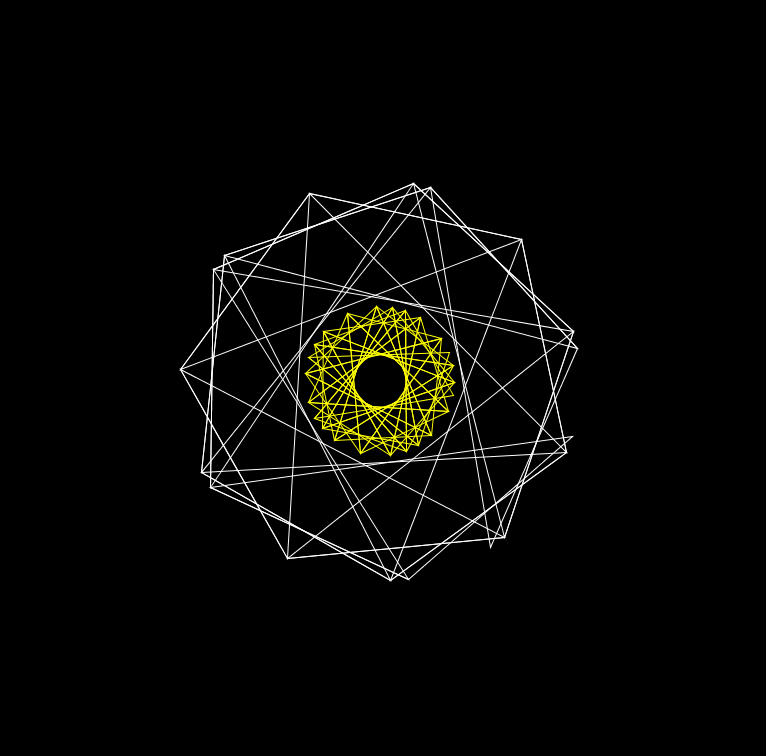
From here, I then decided to combine the circular FFT sketch and this sketch and added some colour to the circular FFT sketch. This resulted in:
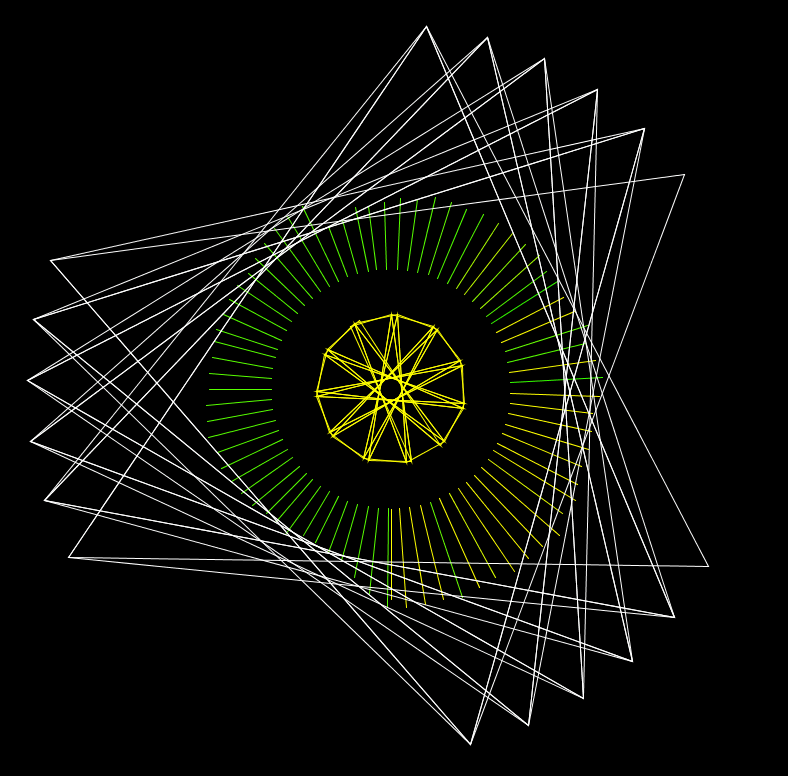
I think this is an interesting visual and a good starting point to explore other ideas and techniques.
 Home
Home 