I have been trying to get some of the background objects to morph between different shapes.
At the moment, I am drawing the background circles using the ellipse() function. I know you can morph between shapes after seeing this: https://processing.org/examples/morph.html.
I attempted to make a different kind of object that will flick between both a circle and a square whilst in the background. Firstly, I had to make the shapes. The example from the Processing website shows how the shapes are drawn with PVectors rather than from a ellipse shape to a rect shape. This poses a number of problems, especially for performance and ease of implementation.
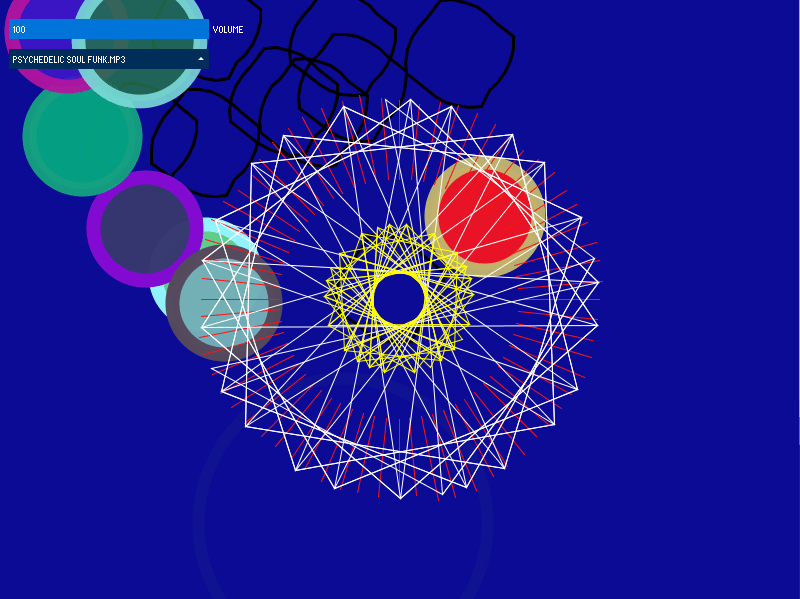
The above image shows the morphing shapes with a black stroke. Although I still like the idea, I’m not sure it looks clean or smooth when the program is running. This could be because I am moving a lot of individual vectors and not a single object. Also, the sheer number of objects, both ellipses and morphing shapes means that the program runs noticeably slower when there is the maximum number of objects on the screen.
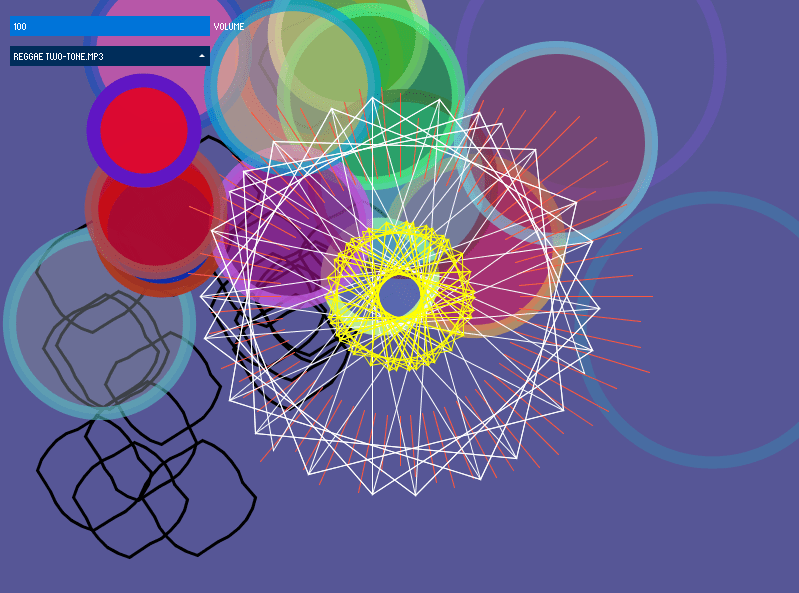
If I can find another way or change the appearance of the shapes then I think it could be a good visual effect. I could half the number of circles, and try and replicate the style of those shapes with the morphing shapes.
 Home
Home 